

How to Submit Your Results in the Row Nation App
Open the email link, row your event on a Concept2 PM5 or unconnected, then save with your Competitor Code and a clear PM screen photo.
Results can be submitted in the Row Nation app. Install (or update) the app on your phone, then return to this event page and follow the steps below.
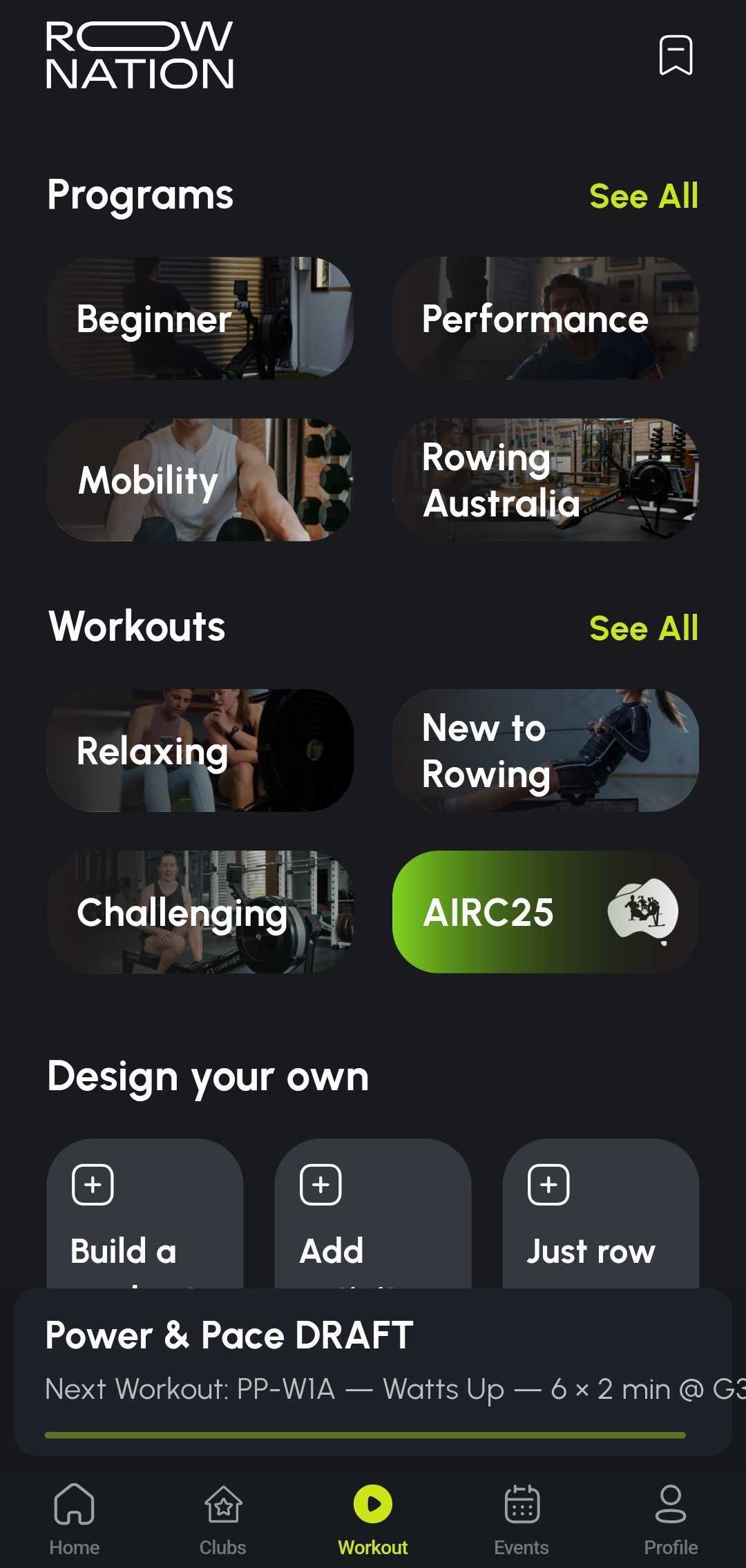
Already installed? If you were sent a workout link by email or on the event page, tap it. If it sends you to the store, update the app, then tap the link again.
If your event provides workout links, tap Open workout to launch the correct format in the Row Nation app.
If you don’t have a workout link, you can still submit your result using the app (unconnected) or the manual result upload option on this event page.

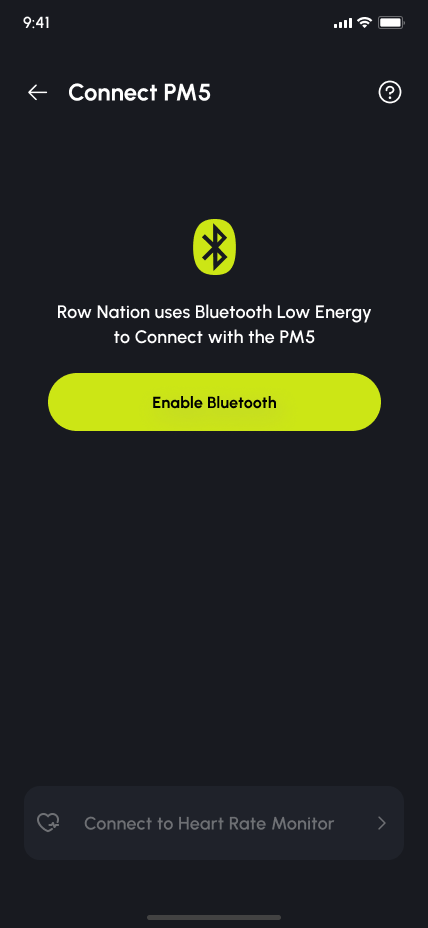
.png)
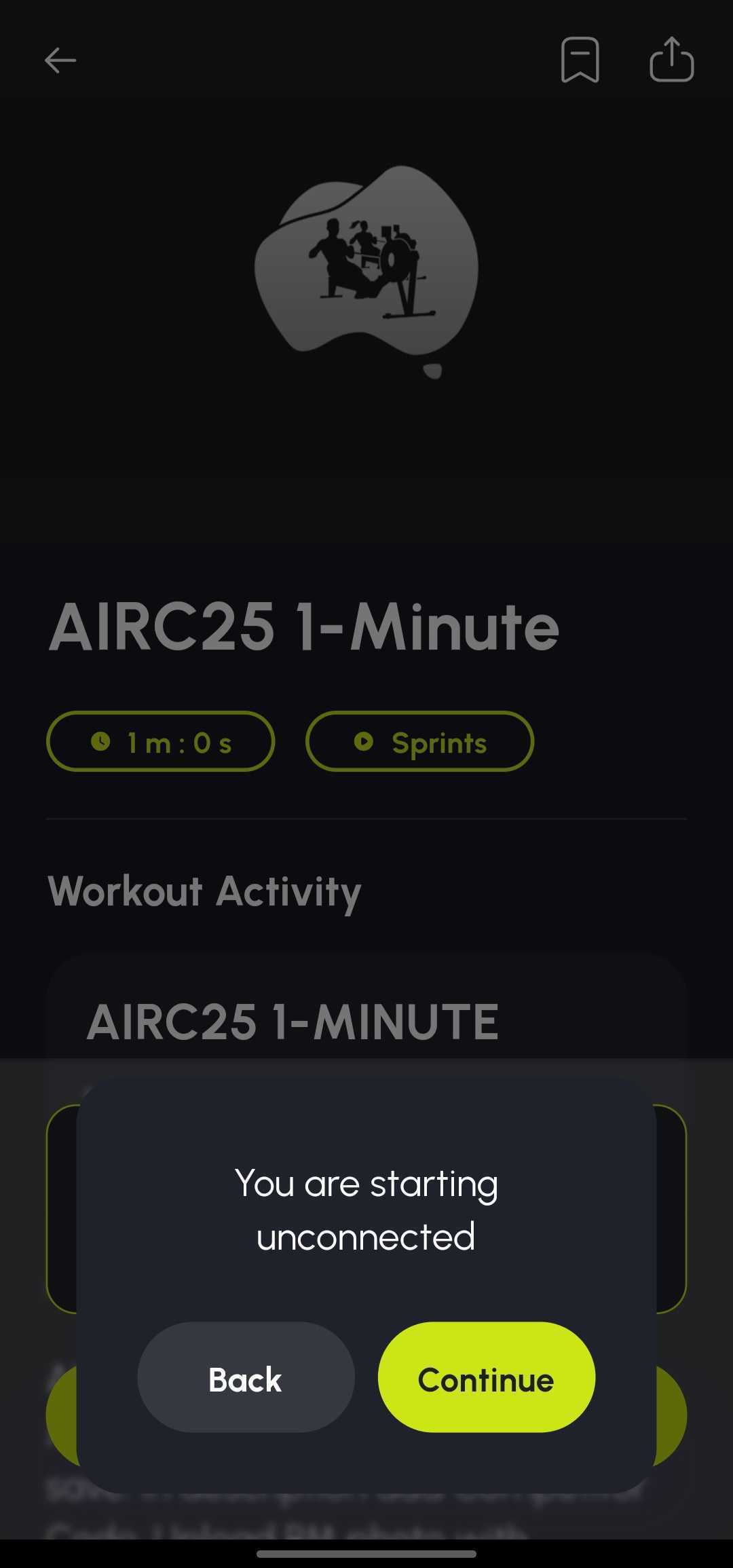
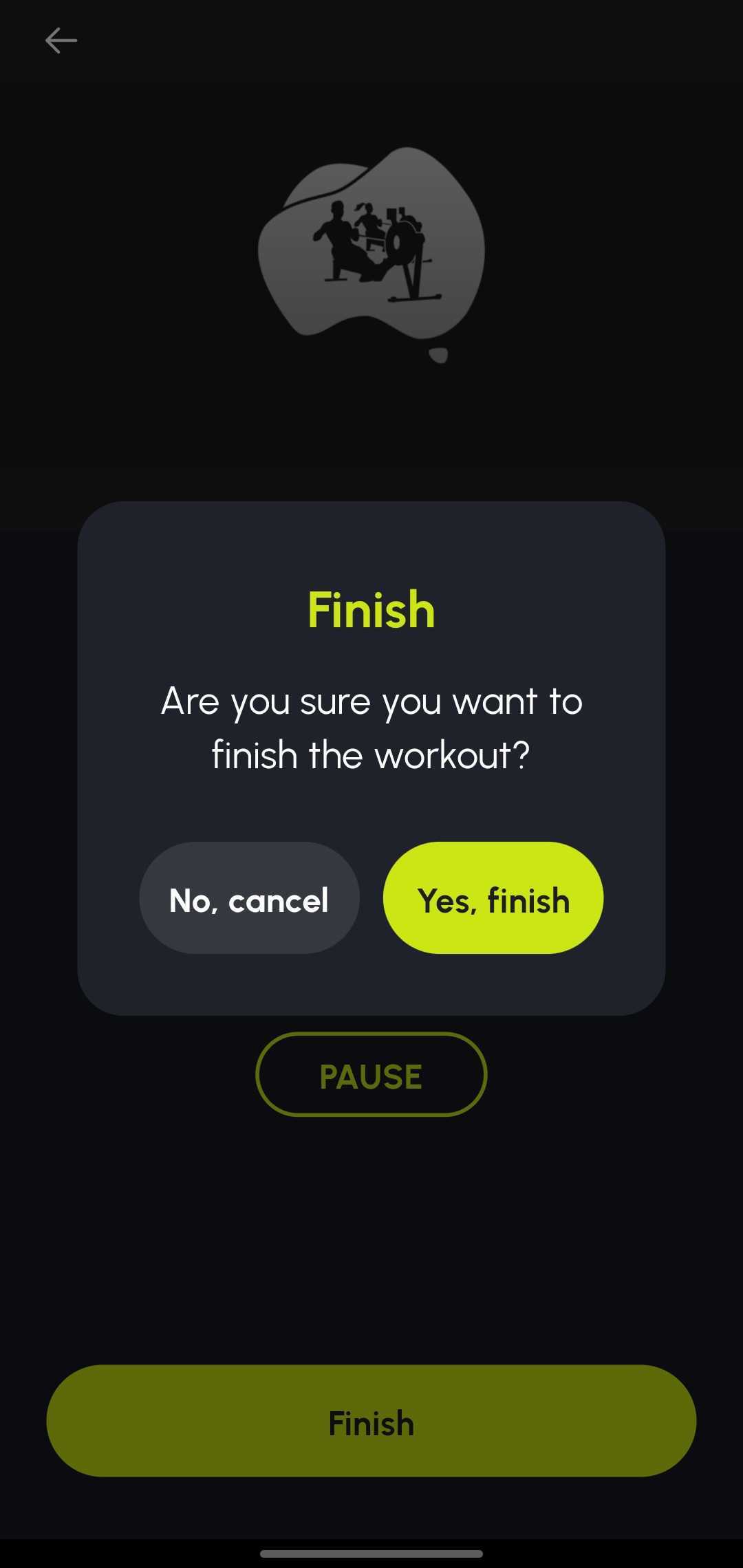
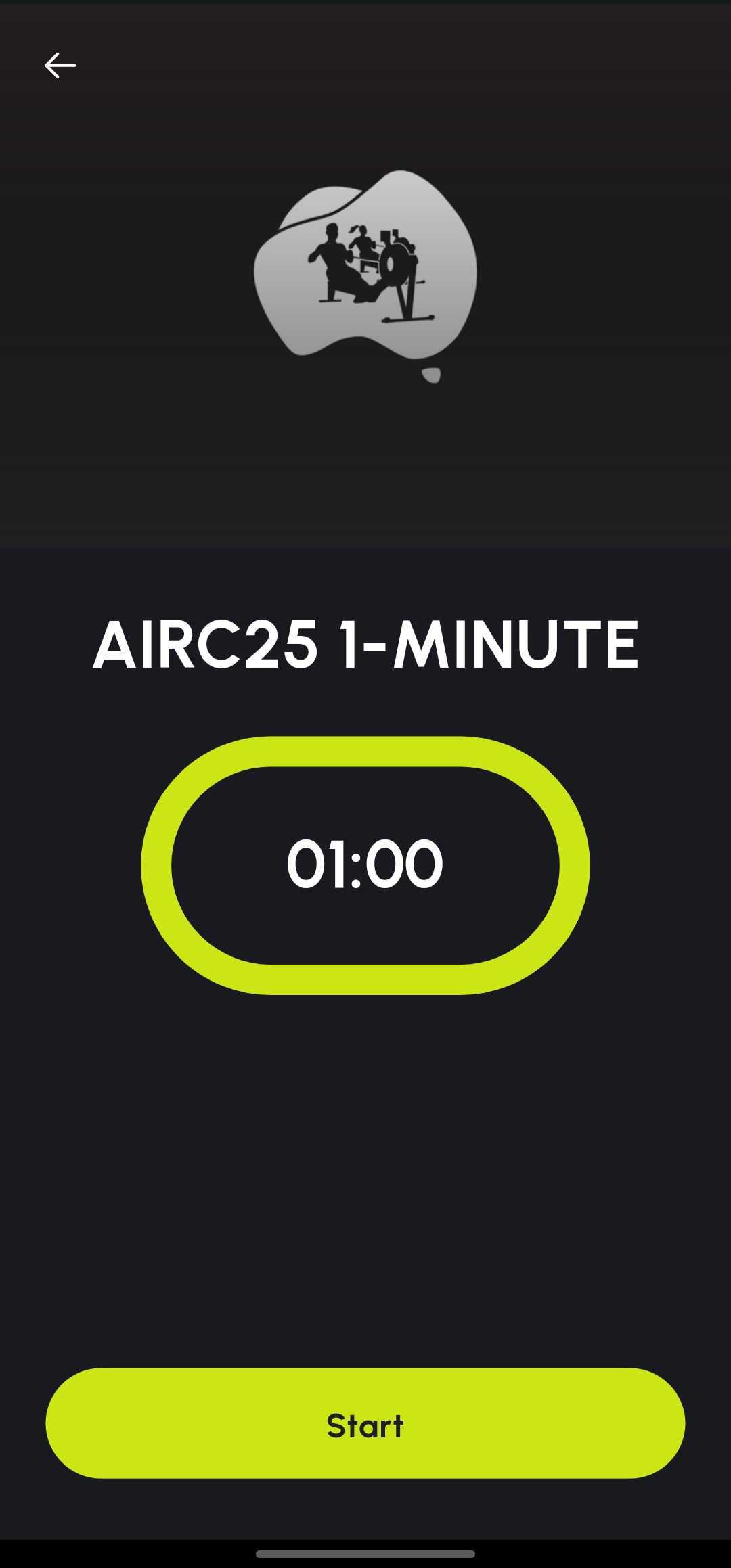
The app loads the correct format for your event (for example 500 m, 1000 m, 2000 m, or a time-based piece). Row your piece, then tap Finish.
You must enter your Competitor Code in the Description field before saving. If you don’t enter your code, your result may not be matched to you and may not appear on the leaderboard.
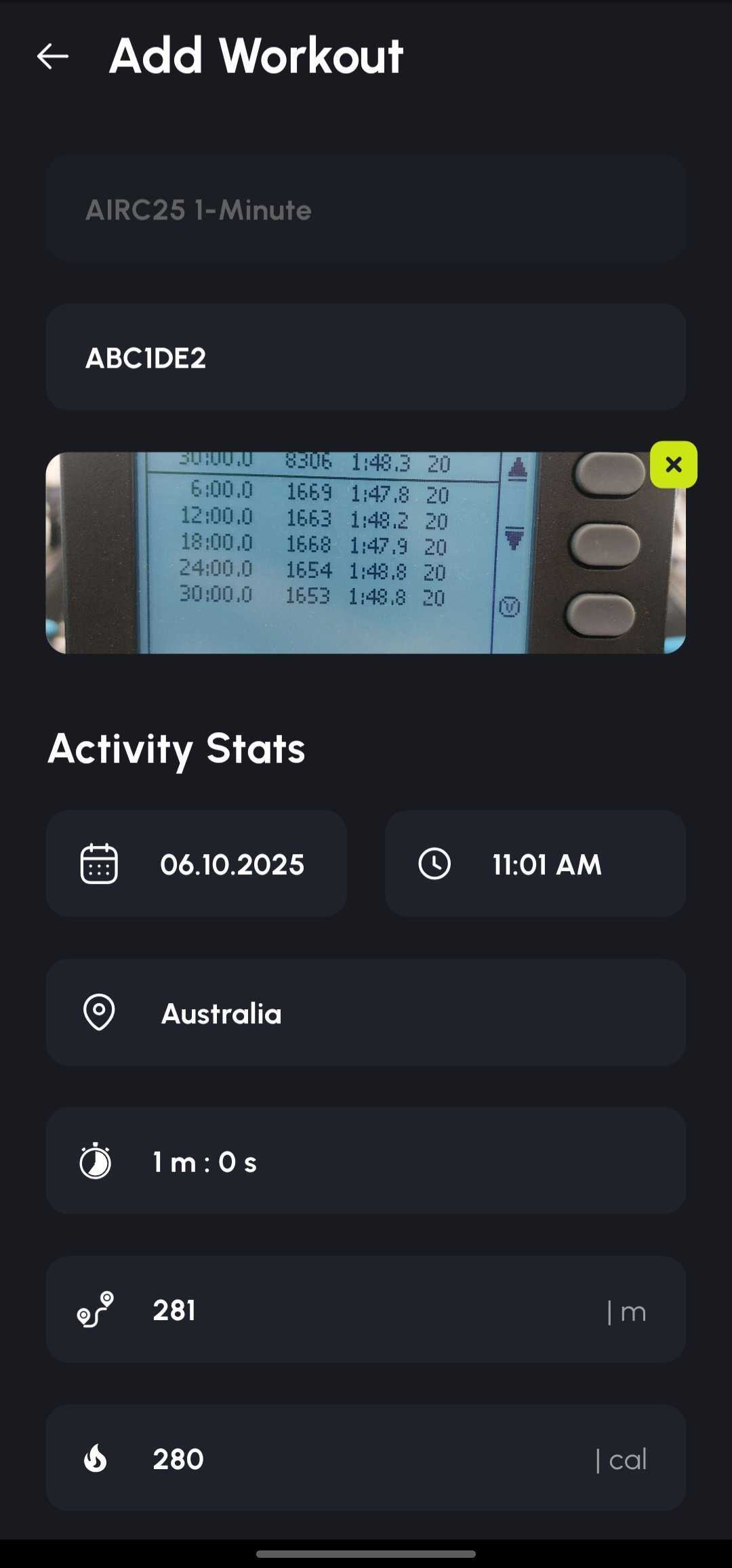
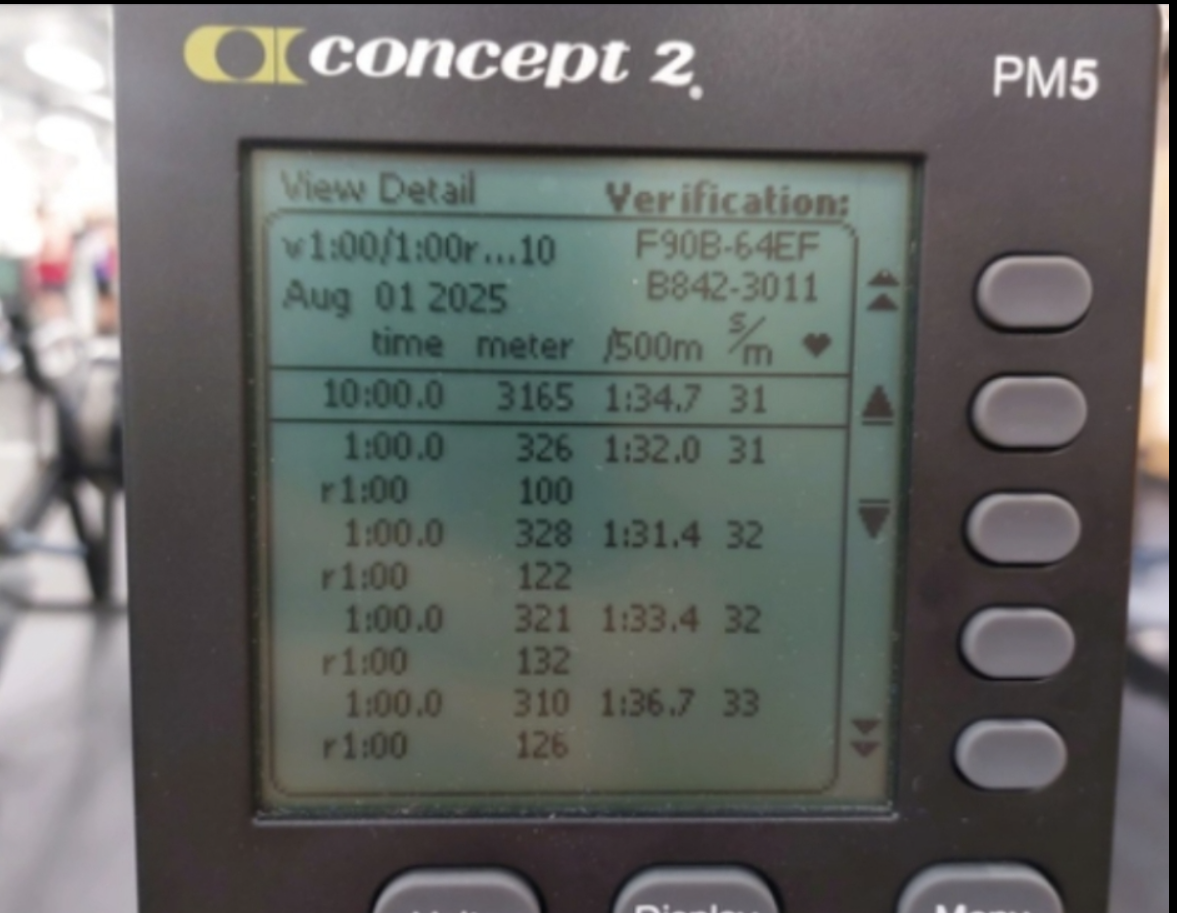
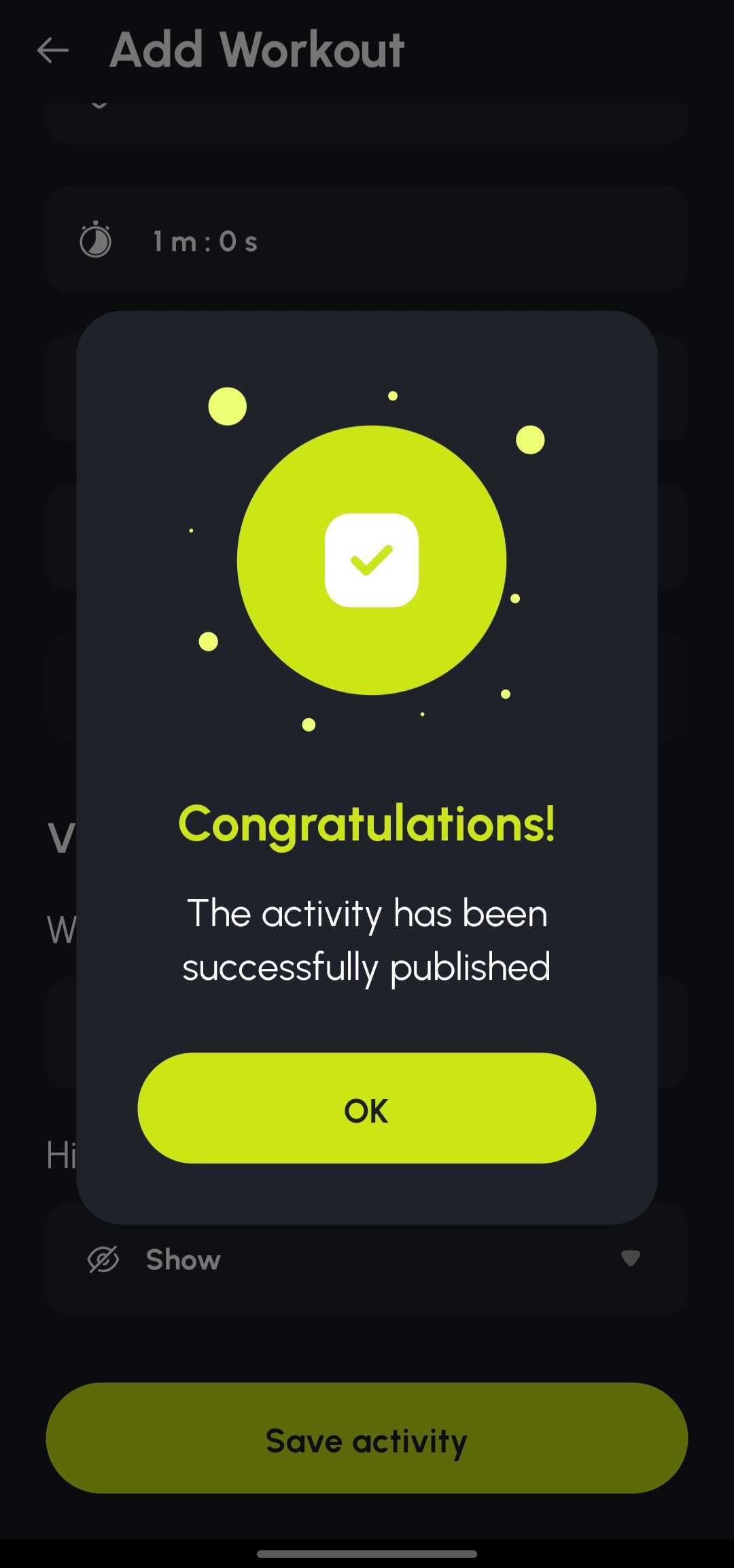
After you tap Save Activity, your result appears on the event leaderboard once processed.
Email info@rownation.co with your name, Competitor Code, and a short description.
